
Chat games on YouTube Live and Kick: what works today
Chat games started on Twitch, but YouTube Live and Kick streamers want them too. This guide explains how a game reads chat on each platform, what to check before you add one, and honestly where FLUNG Live stands today.
By FLUNG Live team · Updated
Where FLUNG stands today
Twitch is live now. YouTube Live, Kick and TikTok LIVE are coming soon. You can join the waitlist and we will email you when your platform opens. We would rather tell you that plainly than have you set up a source that cannot read your chat yet.
The rest of this page is useful whichever tool you end up using: how chat games actually get your messages, why each platform behaves differently, and the questions worth asking before you paste any link into OBS.
How a chat game reads chat
A chat game is only as good as the pipe that brings it messages. There are three common approaches, and the platform largely decides which one is possible:
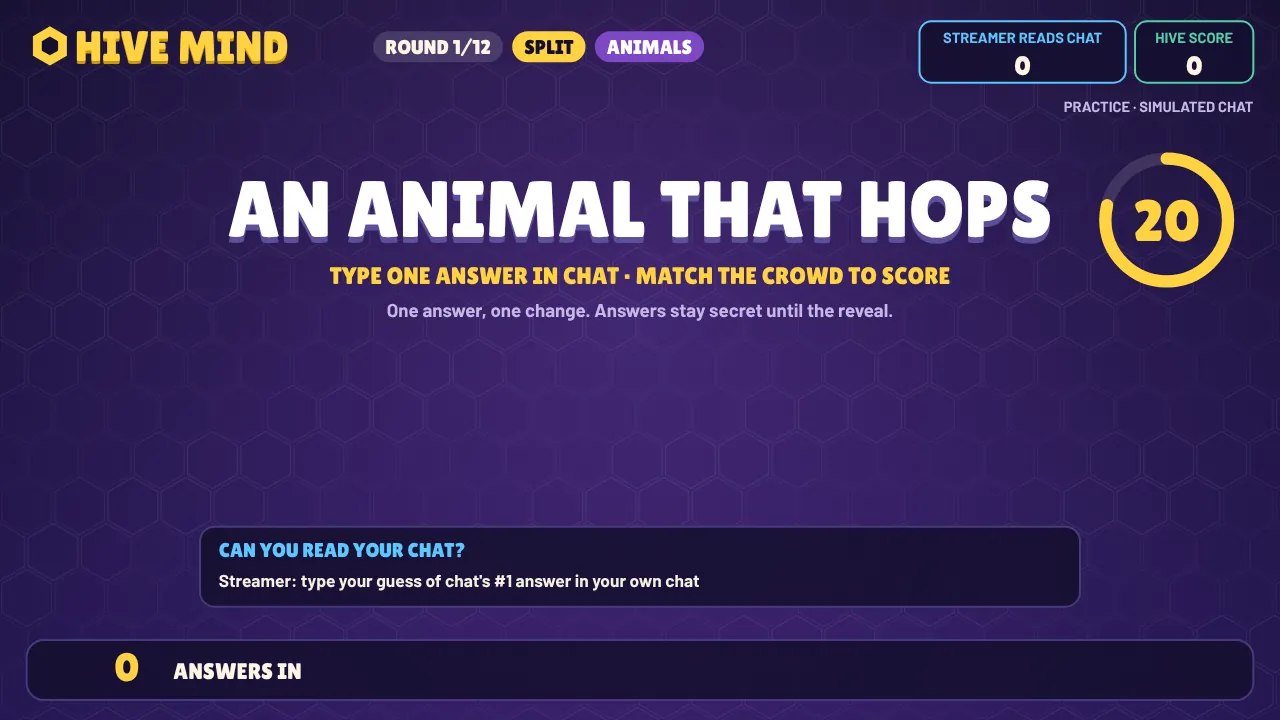
- Reading public chat directly. On Twitch, chat is delivered over a public chat connection that anyone watching can read. A game can listen without a login, which is why SIZE SHOCK, WORLD SHOCK and HIVE MIND need only your channel name.
- An official API with your permission. Some platforms only release chat through an API the streamer authorises. That means a sign-in step, and often limits on how often the game may ask for new messages.
- Unofficial connectors. Some tools read chat from the web page itself or from undocumented endpoints. They can work well, but they can also break without warning when the platform changes, and may sit outside the platform’s terms.
For a game, the pipe affects two things you will notice on stream: delay (how long after typing a guess appears) and reliability (whether it keeps working for a whole show). A 20-second guessing window can tolerate a little delay; a fast reaction game cannot.
YouTube Live
YouTube publishes live chat through the YouTube Data API. A game asks for new messages every few seconds, and each request uses part of a daily quota. That is fine for a guessing game, where a few seconds of delay is invisible inside a 20-second window, but it means a game has to be careful about how often it polls during a long stream, and it needs the streamer’s permission to read their broadcast’s chat.
Practical tips if you are trying a chat game on YouTube today:
- Prefer games with longer answer windows. Anything under ten seconds may feel laggy.
- Check what the sign-in asks for. Reading chat should not need permission to manage your channel or upload videos.
- Test on an unlisted stream first, with a second account typing in chat, so you can see the real delay.
Kick
Kick is younger than Twitch and YouTube, and its tools for developers are still settling. Chat games for Kick have generally relied on connectors that can change as the platform does. If you stream on Kick, it is worth checking when a tool was last updated and whether its maker says how it connects to chat, before relying on it for a planned show.
We will open FLUNG Live on Kick when we can read chat in a way we are confident will keep working for a whole stream. Join the waitlist and you will hear first.
A checklist before you add any chat game
- What permissions does it ask for? Reading chat is one thing; posting as you, moderating or seeing your email is another.
- What does it record? A guessing game has no need to keep your viewers’ messages. The FLUNG SHOCK overlays read your public chat and record nothing on our servers.
- What happens when chat goes quiet? Good games still work with three people.
- What stops trolls? Hidden guesses, median-based results and blocked-word filters all help.
- Can viewers win without paying? If gifts buy points, your game becomes a spending leaderboard.
- How do you stop it mid-stream? You should be able to pause or mute from your keyboard or phone in a second.
What you can do now
Even before your platform is supported, you can get to know the games:
- Watch a demo with simulated chat. Every game page has one, and the FLUNG Island demo plays a full round.
- Play with friends on phones. FLUNG Party runs SIZE SHOCK, WORLD SHOCK and HIVE MIND on everyone’s phone with no stream at all, which is a good way to find out which game your community would enjoy.
- Try the daily puzzle. DAILY SHOCK is five SIZE SHOCK and WORLD SHOCK questions a day, the same for everyone.
- Stream on Twitch too? If you multistream, you can use the Twitch version today; our Twitch chat games guide covers the two-minute set-up.
Questions
Can I use FLUNG Live on YouTube or Kick today?
Not yet. Twitch is live now; YouTube and Kick are coming soon. Join the waitlist and we will email you when your platform opens.
Why is YouTube different from Twitch for chat games?
Twitch chat can be read live by anyone watching. YouTube live chat is read through the YouTube Data API, which has daily quotas, so a game has to poll carefully and may lag a little.
Can I practise before my platform is supported?
Yes. Every FLUNG game has a demo with simulated chat, and Party mode lets you play the SHOCK games with friends on phones today.